PWP Systems is different from our competition, not by our tools, but by our customer service. Our customers benefit immensely by staying connected in an ever expanding world.
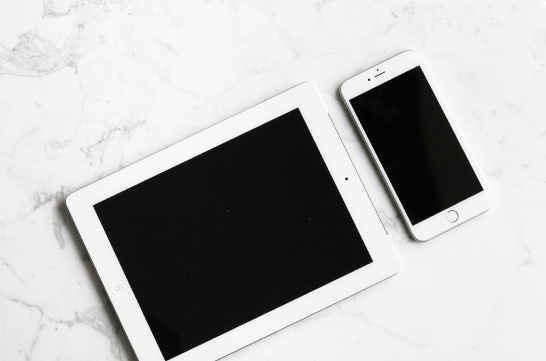
As you move around, sometime it may be difficult to take usual devices with you. With this in mind, PWP offers multiple choices for you to stay connected to your workplace, all while remaining secure and encrypted using military grade encryption.
Imagine accessing voice mail through Outlook or referencing scanned documents on your mobile device. PWP Systems makes that happen everyday. We use world-class technology, insisting on best-of-breed quality.
Provides configuration management and security to client mobile devices